Client-Side Image Format Conversion to JPEG
Standardizing image formats before archival or transmission is a fundamental requirement in data normalization workflows. Offloading the computational burden of converting modern image encodings into baseline Joint Photographic Experts Group (JPEG) format to the client reduces server-side processing overhead and eliminates intermediary data storage risks.
This implementation leverages the native HTML5 Canvas API to read uncompressed image blobs and redraw them utilizing the browser's integrated lossy compression subroutines. A functional deployment of this zero-dependency utility has been integrated into the local toolkit infrastructure [1].
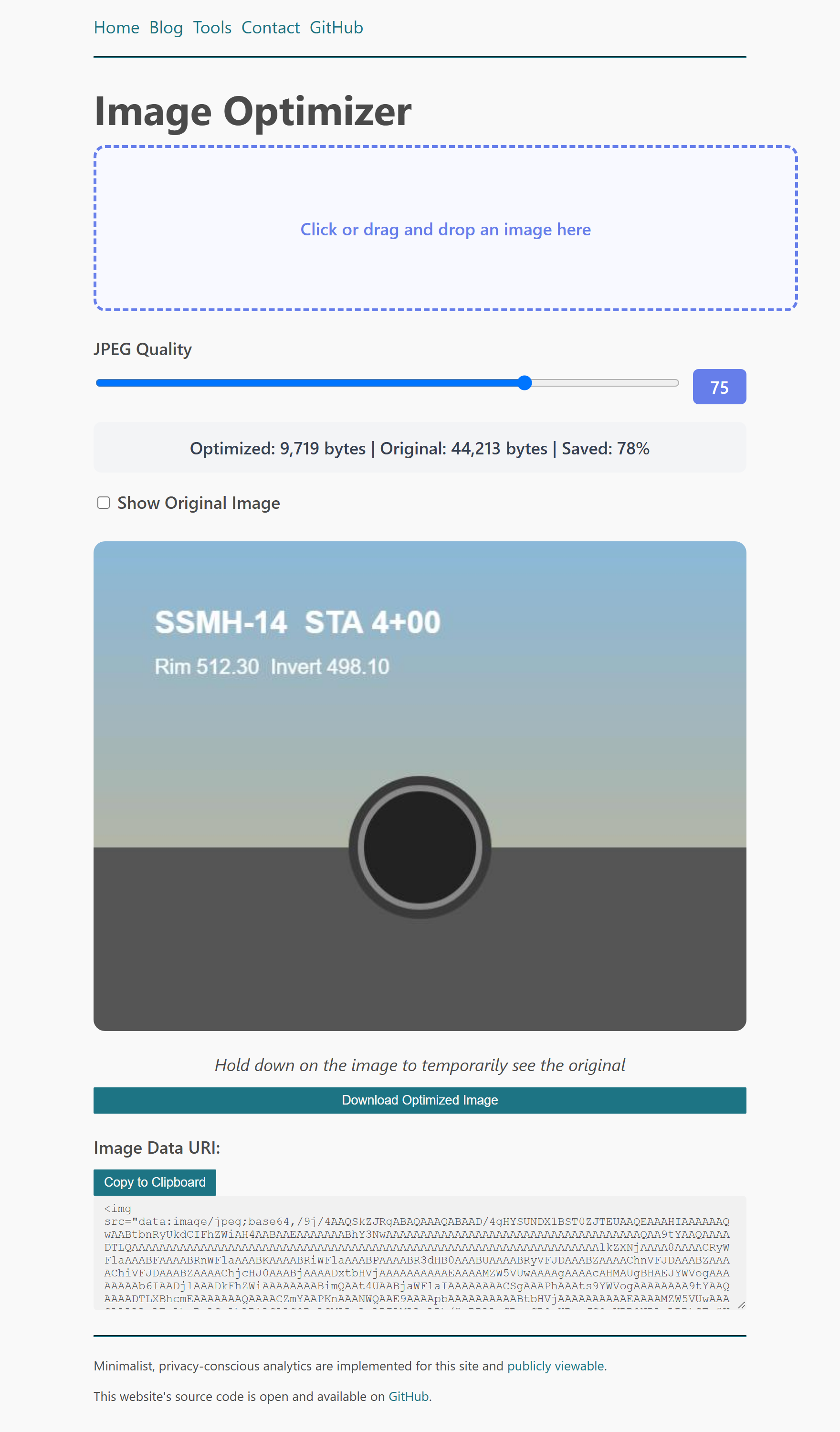
The core rendering function relies entirely on vanilla JavaScript invoking the canvas.toDataURL('image/jpeg', quality) method. This negates the requirement for any external runtime dependencies or server-side ImageMagick processes. The architectural blueprint for this implementation was modeled directly from the referenced source documentation [2].
Verifying output mimetype
$ file optimized-image.jpg
optimized-image.jpg: JPEG image data, JFIF standard 1.01
The utility has since been extended beyond the referenced baseline. Ingestion now accepts an arbitrary batch of images — via file selection, drag-and-drop, or clipboard paste — each transcoded independently with per-item and aggregate byte accounting. A configurable maximum-width constraint was introduced, defaulting to unconstrained so the default operation is a full-resolution re-encode; the prior implementation silently downsampled all inputs to an 800-pixel raster, a behavior now opt-in rather than mandatory. As an incidental consequence of the canvas redraw, EXIF and GPS metadata are discarded in transcoding, which is desirable for transmission hygiene.
References
- Willison, S. "Drag and Drop Image Optimizer". Available: https://tools.simonwillison.net/image-to-jpeg.
- Willison, S. "image-to-jpeg.html Source Code". Available: https://github.com/simonw/tools/blob/main/image-to-jpeg.html.